This translation has not been editorially reviewed yet. The German version is authoritative. German version →
ContentsTracking search queries and rankings
Tracking search queries and rankings
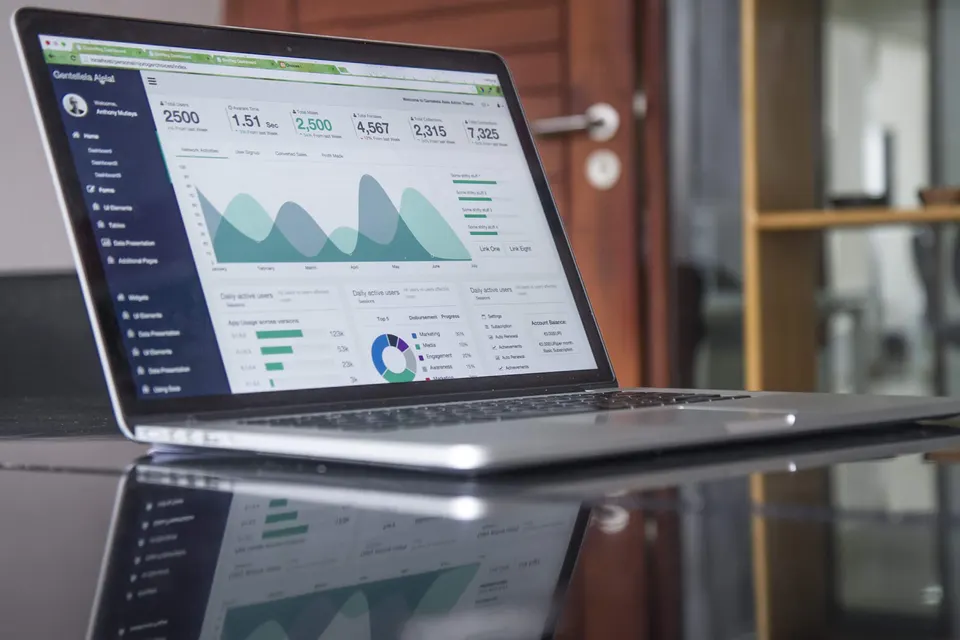
Google Search Console shows which search queries lead to your website, how often it appears, how often someone clicks and at which position. With your consent the service reads this data, stores it daily and evaluates it: change against the previous month, position classes, opportunities, pages with losses, indexing, sitemaps. The Sistrix visibility index adds the view from outside.
What is measured
These audit areas carry the topic. Each leads to its checks with explanation, measurement path and remedy.
- Search engine optimisationTitles and descriptions, heading structure, internal linking, structured data.30 articles
- Indexing & technical setupWhether search engines may fetch the page, can find it and assign it unambiguously.25 articles
- Visibility in AI answersWhether an answering system can find, extract and attribute a passage of your page: answer-first openings, question headings, self-contained sections, machine-readable facts.12 articles
What the Search Console provides
- Search queries with impressions, clicks, click-through rate and position, each by page, country, device and search appearance (rich results, video, AMP).
- Separately per search type: web search, image search, video search, news, Discover and Google News.
- A daily series going back up to 16 months. Google delivers the figures with a delay of about three days; the last day shown is therefore three days before today.
- Sitemaps: when submitted, when last read, how many addresses were submitted and how many of them are in the index, errors and warnings.
- URL inspection per address: whether the page is in the index, which canonical Google chose, when the last crawl was, whether robots.txt blocks it and which rich results are detected. Google allows 2,000 inspections per day and property, so the tracking checks the 20 strongest pages.
How to connect your website
- You need a Google account that owns your website as a property in the Search Console or has read access to it.
- In the customer area under Search queries and clicks, click "Connect with Google Search Console". Google shows what the service may do: read Search Console data. It never asks for more.
- After consent a key is stored for one year in the vault of your organisation, type third-party system: no person sees it, every read is recorded with its purpose in the vault log. Remove the entry and access ends immediately.
- From then on the service collects the status daily at 04:41. With "Collect tracking now" you fetch it immediately, for example after a change to the website.
- You would rather not set this up yourself? Add the Google account of the audit service as a user with read permission in your Search Console (Settings, Users and permissions). Then we connect your website in the workplace, collect the tracking and discuss the evaluation with you. This applies to every website we audit, including the customers of an agency.
What the tracking evaluates
- Key figures of the last 28 days against the 28 days before: clicks, impressions, click-through rate and average position, each with the change in number and percent.
- Position classes: how many search queries rank on places 1 to 3, 4 to 10, 11 to 20, 21 to 50 and beyond. If the distribution shifts forward, your work is taking effect.
- Opportunities: search queries with many impressions on places 4 to 20. There a better page or a more fitting title brings the most additional clicks, because the demand is already there.
- Risers and fallers: search queries whose position moved by three or more places. New search queries and lost ones that still had impressions in the previous period.
- Pages: the strongest addresses with clicks, impressions and position change; winners and losers by clicks; new and vanished pages.
- Indexing of the strongest pages from the URL inspection, non-indexed first, with the canonical according to Google and the last crawl.
- Countries, devices, search appearances and search types as tables; the course of the last 90 days as a line, the full series as weeks.
- Development across all collections: per collection clicks, impressions, position, number of search queries and top-10 share. This series is kept beyond the 16 months Google holds.
How to read the numbers
An impression counts as soon as your page appears in a search result, even far down. The position is the average over all impressions: if a page ranks at place 2 for one query and at place 40 for another, the total shows a value in between. That is why the average position alone says little; the position classes and the movement per search query say more. The click-through rate depends on the position: many click at place 1, almost nobody from place 10 on, and results with answer boxes, images or ads push the rate down on all places. Compare periods of equal length and account for the season: a drop in August need not be a loss if August a year ago looked the same.
What to do with it
- Opportunities first: check title and description of the page that ranks for the query. Does the title match the question of the searcher? Is a paragraph missing that answers the question? Do other pages of your website link to it?
- Fallers: has the page changed, has a redirect been added, is it in the index (inspection)? The Indexing audit area finds technical causes, the SEO audit area content causes.
- Lost search queries with many impressions in the previous period: the page has dropped out of the results. Check reachability, canonical and noindex.
- Non-indexed pages in the inspection: with "crawled, currently not indexed" Google lacks a reason to include the page; more own content and internal links help. With "blocked by robots.txt" or "noindex" it is a setting.
- After every audit with the SEO area the run stores the status of Search Console and Sistrix in the file. So you see how visibility moved between two audits.
Sistrix: the view from outside
The Sistrix visibility index measures how visible a domain is in Google results for a fixed set of search queries, independent of your Search Console and therefore comparable for competitors too. The service queries it with its own key, together with the number of keywords in the top 100 and top 10; the country follows the domain ending. A status is valid for one day; every new query costs credits, which the operator bears.
Data protection and access
- The service only reads. It changes nothing in your Search Console and submits no sitemap.
- Search Console data are sums per search query and page; they contain no information about individual persons.
- The key is stored encrypted in the vault of your organisation. Every read is in the log, every collection in the activity log. Owners and managers of the organisation see the tracking; whoever may read the file sees the status per audit.
- Via MCP an assistant fetches the same evaluation (ranking.gsc.tracking) and triggers a collection (ranking.gsc.erheben).
Photo: Carlos Muza, CC0


.jpg)